The Invisible 307 Middleware Send Behind a Login-Dashboard-Login Loop
After a successful login, the page loops back. No console error. No logged exception. The middleware said everything — but not where you were looking.
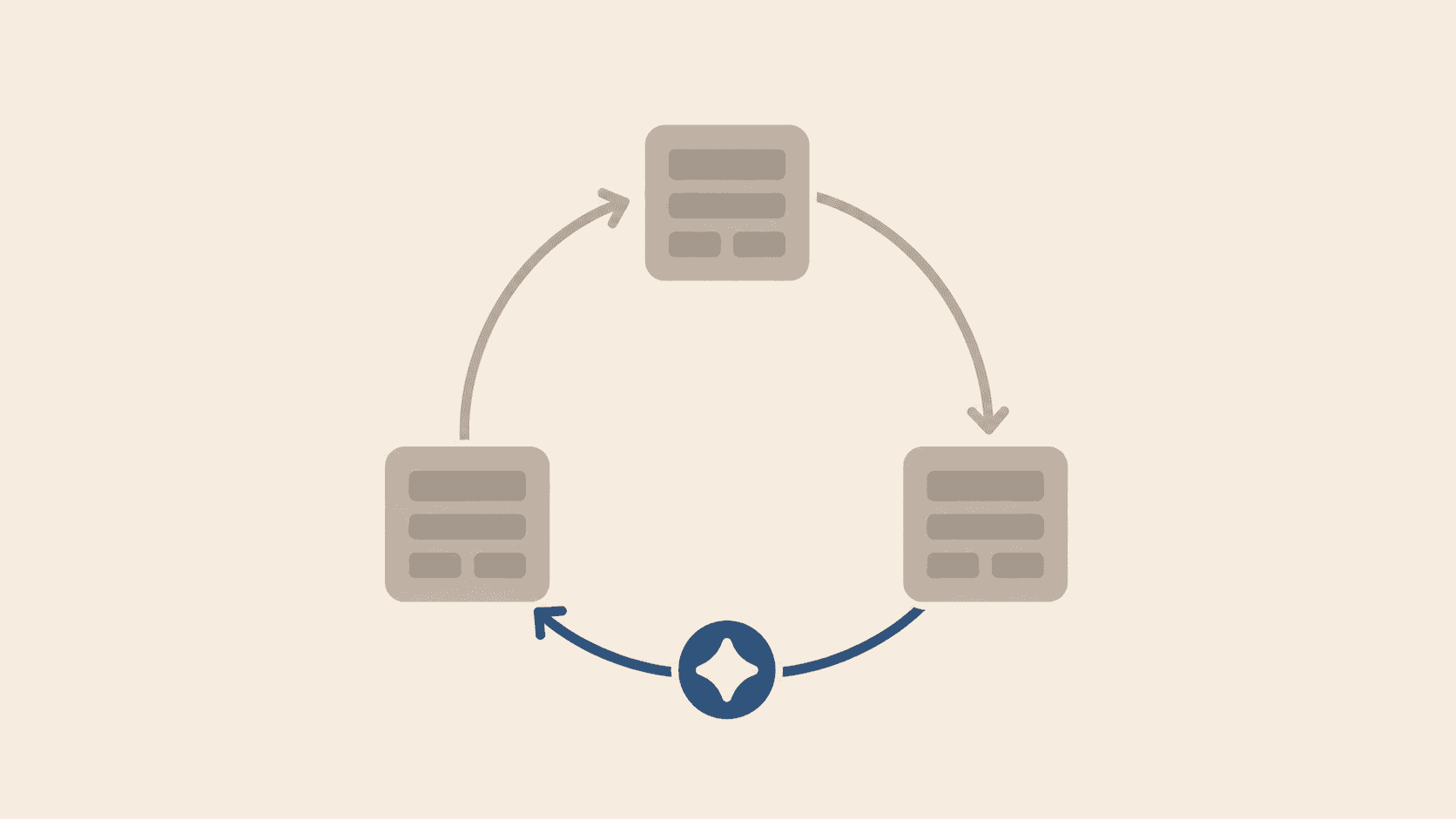
The user logs in. The browser navigates to /dashboard. The dashboard page does not render. The browser is back on /login, with no error message, no console output, no network failure visible in the default DevTools view.
In a PHP application, this scenario prints a stack trace or logs a meaningful exception. Symfony's security component throws an AccessDeniedException that you can catch, log, and trace to its source. Laravel's middleware returns a clear RedirectResponse that you can inspect. There is always a signal.
In Next.js, the signal exists, but it is not in the console. It is in the Network tab.
Why the browser sees nothing
Next.js middleware runs in the Edge Runtime, on the server, before the request reaches any React component. It does not execute JavaScript in the browser context. When the middleware decides to reject a request, for example because the JWT is invalid or expired, it sends an HTTP 307 Temporary Redirect back to /login.
The browser follows the redirect silently. There is no JavaScript involved, so there is no JavaScript error. The page renders /login as if that was the intended destination all along.
Browser sends:  GET /dashboard
Middleware:     checks JWT → invalid → HTTP 307 → Location: /login
Browser:        follows the redirect
Result:         /login renders, console shows nothing
The PHP mental model
In PHP, a security middleware runs inside the same request-response cycle as your application code. Symfony voters, for example, are invoked during controller resolution and throw an AccessDeniedException that propagates through the normal exception-handling pipeline. You can log it, trace it, and handle it with custom error pages.
The concept of a "middleware that runs before the framework itself", where a redirect can happen without your application code ever executing, does not exist in the same form. In Next.js, the middleware is a separate layer with its own runtime, its own configuration, and its own failure modes that are invisible to the React component tree.
How to diagnose
Option 1: Network tab with Preserve Log
Enable "Preserve log" in DevTools before triggering the login. After the redirect loop, look for a request to /dashboard with status 307. This confirms the middleware intercepted the navigation.
Option 2: Container or server logs
docker logs app --tail=50
Output:
POST /api/auth/set-cookie 200
GET  /dashboard 307
GET  /login 200
The 307 on /dashboard is the middleware. The 200 on /login is the follow. The pattern tells you the middleware rejected the JWT. Look at the JWT configuration, not the component code.
Common root causes
- JWT key mismatch: the public key in the Next.js project does not match the private key used by the backend to sign the token.
- Expired JWT: the
expclaim is in the past, or the system clock is wrong. - Wrong cookie name: the middleware expects a cookie named
jwtbut the login action stores it under a different name.
None of these produce a JavaScript error. All of them produce the same symptom: login → dashboard → login, with nothing in the console.
Delaa